WebhookLab — Test and Debug Webhooks Online
Instant webhook debugging in real time. Generate a unique endpoint URL, paste it into your integration, and inspect every incoming request — headers, body, retries — in seconds.
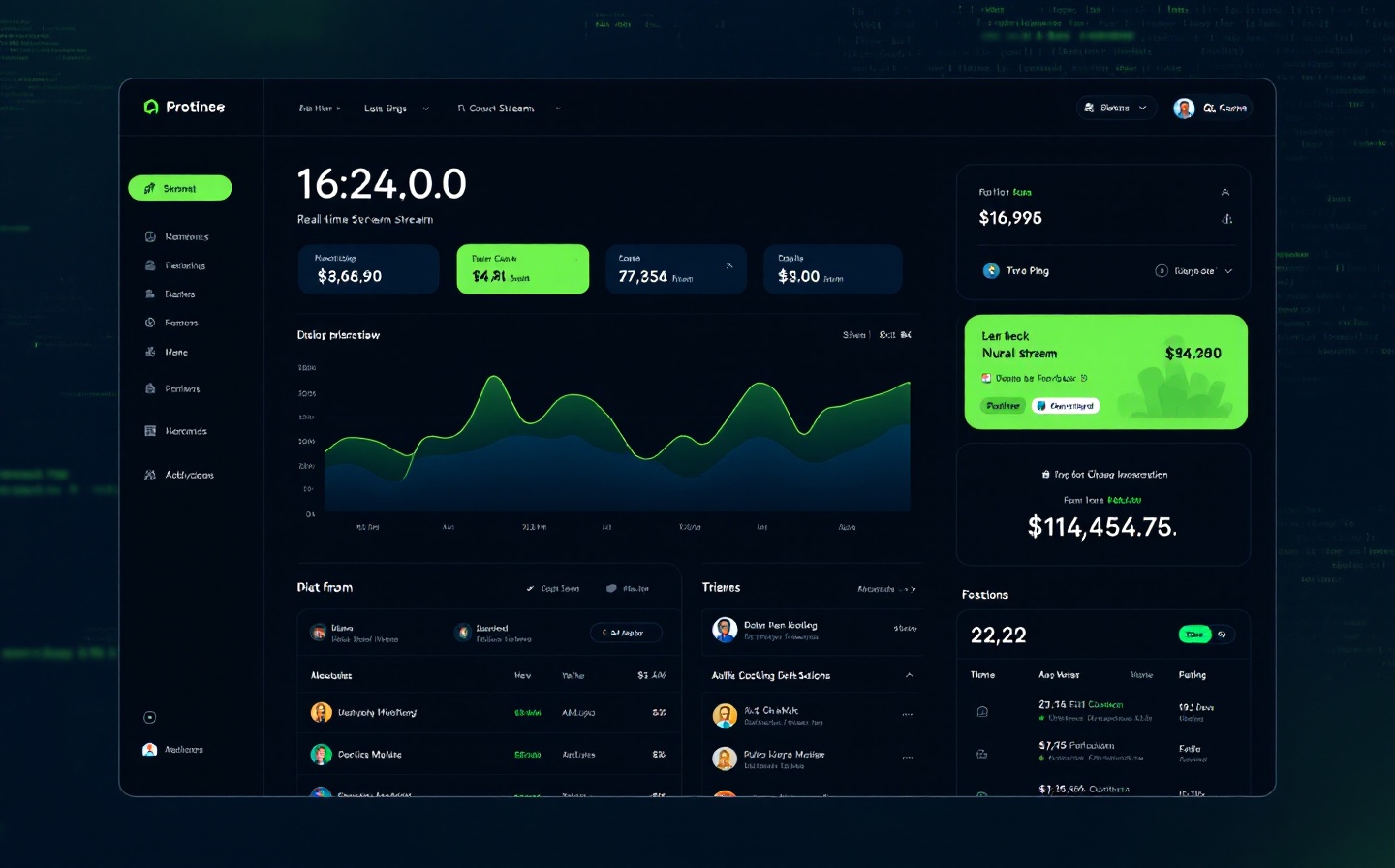
Everything you need to debug webhooks fast
Whether you are integrating Stripe payments, GitHub Actions, Twilio SMS callbacks, or a custom Shopify store — WebhookLab gives you a temporary HTTPS endpoint and a clean inspector to catch every delivery detail.
Instant Temporary URLs
Click once and receive a unique https://webhooklab.app/your-uuid endpoint that stays active for up to 24 hours. No account required to get started.
Full Request Inspector
View raw HTTP headers, query parameters, request body (JSON, form-encoded, XML, plain text), and TLS fingerprint for every incoming webhook. Replay or copy any payload with one click.
Real-Time Streaming
Watch requests arrive live in your browser via WebSocket. No page refresh needed — new events appear instantly, just like a terminal tailing /var/log/syslog.
Custom Response Simulator
Configure your endpoint to return any HTTP status code (200, 500, 401, etc.) and custom JSON body. Test how your provider handles retries, timeouts, and authentication failures.
Signature Verification
Built-in decoders for Stripe Stripe-Signature, GitHub X-Hub-Signature-256, Shopify HMAC, and generic HMAC-SHA256. See pass/fail status at a glance.
Request History & Export
Every request is logged for the lifetime of your endpoint. Export individual payloads as cURL, Python requests, or raw JSON. Download the full session as a HAR file for offline analysis.
Three steps to your first webhook
No signup, no configuration, no infrastructure to manage. Start debugging in under 10 seconds.
1. Generate an Endpoint
Hit the "Create URL" button on the homepage. WebhookLab instantly provisions a dedicated HTTPS endpoint tied to your browser session. The URL is unique and safe to share with any webhook source.
2. Configure Your Integration
Paste the generated URL into your service — for example, Stripe Dashboard → Developers → Webhooks, GitHub → Settings → Webhooks, or your own curl -X POST command. Trigger an event.
3. Inspect & Iterate
Open the WebhookLab inspector and examine the request. Toggle between raw and formatted views, check signature validity, adjust your simulated response, and retrigger until the integration behaves exactly as expected.

Trusted by developers worldwide
Since launching in March 2023, WebhookLab has become the go-to playground for API engineers, DevOps teams, and freelance developers who refuse to guess at webhook payloads.
12.4 million
Webhook requests inspected across all endpoints in the past 12 months. That is roughly 34,000 requests per day on average.
48,200+
Unique developers and teams using WebhookLab monthly. From solo founders at YC startups to platform engineering squads at Fortune 500 companies.
99.97 %
Uptime measured by UptimeRobot over the last 365 days. Endpoints are backed by redundant Cloudflare-adjacent edge servers in Frankfurt, Ashburn, and Singapore.
< 120 ms
Median end-to-end latency from webhook delivery to inspector render. Fast enough that you can fire events in rapid succession without missing a single payload.
What developers are saying
Maya Chen — Senior Backend Engineer, Ramp
"We use WebhookLab every time we prototype a new payment provider integration. The signature verification panel alone saved our team two days of debugging Stripe and Adyen payloads. It is literally the fastest way to see what your webhook actually looks like."
Omar Farouk — Indie Maker, Builder of Notifi.me
"As a solo developer, I cannot afford a dedicated webhook relay service. WebhookLab gives me enterprise-grade inspection for free, with no credit card. I set up a temporary endpoint, point my GitHub Actions at it, and I can see every event in real time. Game changer."
Lisa Park — DevOps Lead, Klarna
"Our onboarding docs now link to WebhookLab for every partner integration. It eliminates the 'it works on my machine' loop because partners can see the exact request shape we send. The custom response simulator is incredibly useful for testing retry logic."
Frequently asked questions
Do I need to create an account?
No. You can generate and use a temporary endpoint immediately. Creating a free account gives you persistent endpoints, longer retention (30 days vs. 24 hours), and the ability to save custom response templates.
How long does an endpoint stay active?
Free endpoints expire after 24 hours of inactivity. Pro endpoints never expire unless you delete them manually. All request data is retained for the lifetime of the endpoint.
Is the traffic encrypted?
Yes. Every endpoint is served over TLS 1.3 with a valid Let's Encrypt certificate. Payloads are never stored on disk after the endpoint expires — they are wiped from our Elasticsearch cluster within 60 seconds.
Can I use WebhookLab in production?
WebhookLab is designed for development, testing, and debugging. For production routing, we recommend services like webhook relay platforms or your own infrastructure. That said, many teams use Pro endpoints for low-volume production monitoring during beta launches.
Stop guessing. Start inspecting.
Generate your first webhook endpoint in 10 seconds. No signup, no credit card, no strings attached. See every header, every byte, every retry — exactly as your provider sends it.